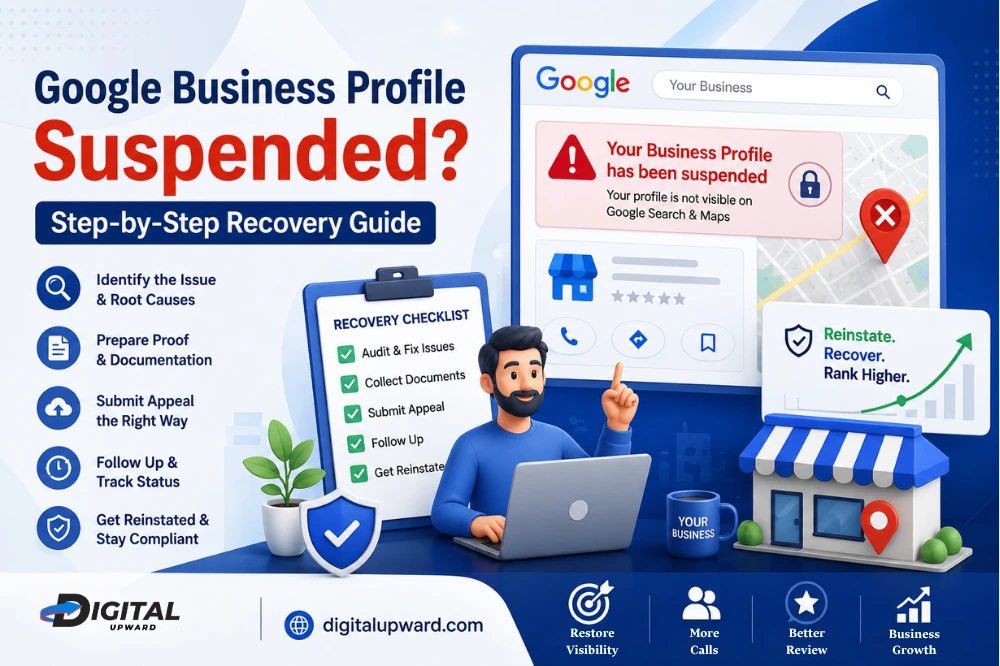
You take a look at your dashboard for a regular check up, and there it is that red banner which says: “Your Business Profile has been suspended.” Vanished, with no advance warning, no phone call. Your listing disappears from sight in Google Maps, your reviews are completely off-site, and the calls which used to come every hour come silently.
If this happened to you, take a breath. A suspension is scary, but it’s rarely permanent. Thousands of local businesses get their listings back every month once they understand exactly why Google flagged them and follow the right recovery path. This guide walks you through that path in plain, simple language, no jargon, no guesswork.
First, Figure Out Which Kind of Suspension You’re Dealing With
Soft suspension – You can still log in, and your profile may even still appear in Search or Maps, but you have lost access to edit anything. Greyed-out buttons and a banner that reads management is disabled.
Hard suspension — Your listing has been totally removed from Google Search and Maps. Your business will seem like it never had an online presence. This is the slightly more serious one, and it calls for swift, prudent action.
Account-level block— You may also have a problem that has nothing to do with the actual listing, but rather you are dealing with a Google account-level block. When you get flagged, all profiles attached in any way can go out at once. You can verify this at myaccount.google.com/restrictions. Your account issue, especially, to which nothing further can happen until that is rectified, if this applies to you.
What Reason Was Behind This in the First Place?
This is why Google suspends listings when they see something that appears inconsistent or exaggerated or unverifiable. The most common triggers include:
Keyword stuffing in the business name — putting “Best Salon Near Me Delhi” instead of your actual registered name.
Solve Problems — a P.O Box, shared office without signage or a virtual address but no one present in working hours.
Inconsistent NAP information- your Name, Address, and Phone number don’t match exactly across your website, directories, and social pages.
Too many edits at once — changing your name, address and category all in one sitting can look like your account has been hacked
A fake or incentivized review A stock photo rather than a real review, A number that redirects through a call-tracking service.
A competitor’s report — sometimes the flag isn’t even your fault, but you will have to prove you are a legitimate business
Some trades — clinics, lawyers, electricians, locksmiths, movers — are held to a higher standard just because they get more spam in those categories. If you have one of those, then expect Google to take a bit closer look when it evaluates your evidence.
Step 1: Audit and Fix Everything Before You Appeal
This is the most common area that business owners skim over, and therefore the single largest cause of denied appeals. The appeal submission is basically saying to Google, “okay everything on my profile is correct now.” If there is even a small discrepancy, your request will be denied.
Check your profile, line by line:
- Is your business name exactly the same as on your GST certificate or trade licence?
- Is your address a real working office during the hours you have listed?
- Does the phone number you provided ring directly to your business?
- The categories that you claim to assist with, do they pertain at all to what you truly do?
- Is there any old team members or agencies that don’t need access anymore?
Resolve all issues that you find before moving on.
Step 2: Collect Solid Proof of Your Business
Once your profile is clean, assemble documentation that shows you’re a real, functioning business at that location:
- Business certificate GST, trade license, MSME Incorporation document
- A utility bill that is recent, in your business name and at the address you specified
- Pictures of your permanent signage, storefront, and entry
- If only in a short form, a walk-through video of your workspace
- Screenshots of your website with identical contact information
Everything should be in a single folder with proper names. When you initiate the evidence upload during your appeal, Google usually provides a local timeframe (e.g. ~60 minutes) to upload files, so having them ready in advance is far less stressful.
Step 3: Submit Your Appeal the Right Way
Go to the Google official request form for reinstatement, log in to the listing controlling account and choose the suspended profile. Submit a concise, calm, factual submission explaining what happened and what you fixed, attached with your proof. Long explanations or an exasperated tone should be avoided; reviewers would much rather you just leave in clarity than emotion.
Submit once. Avoid making a second appeal immediately, doing so might lose you your place in the queue (further back), or automatic rejection.
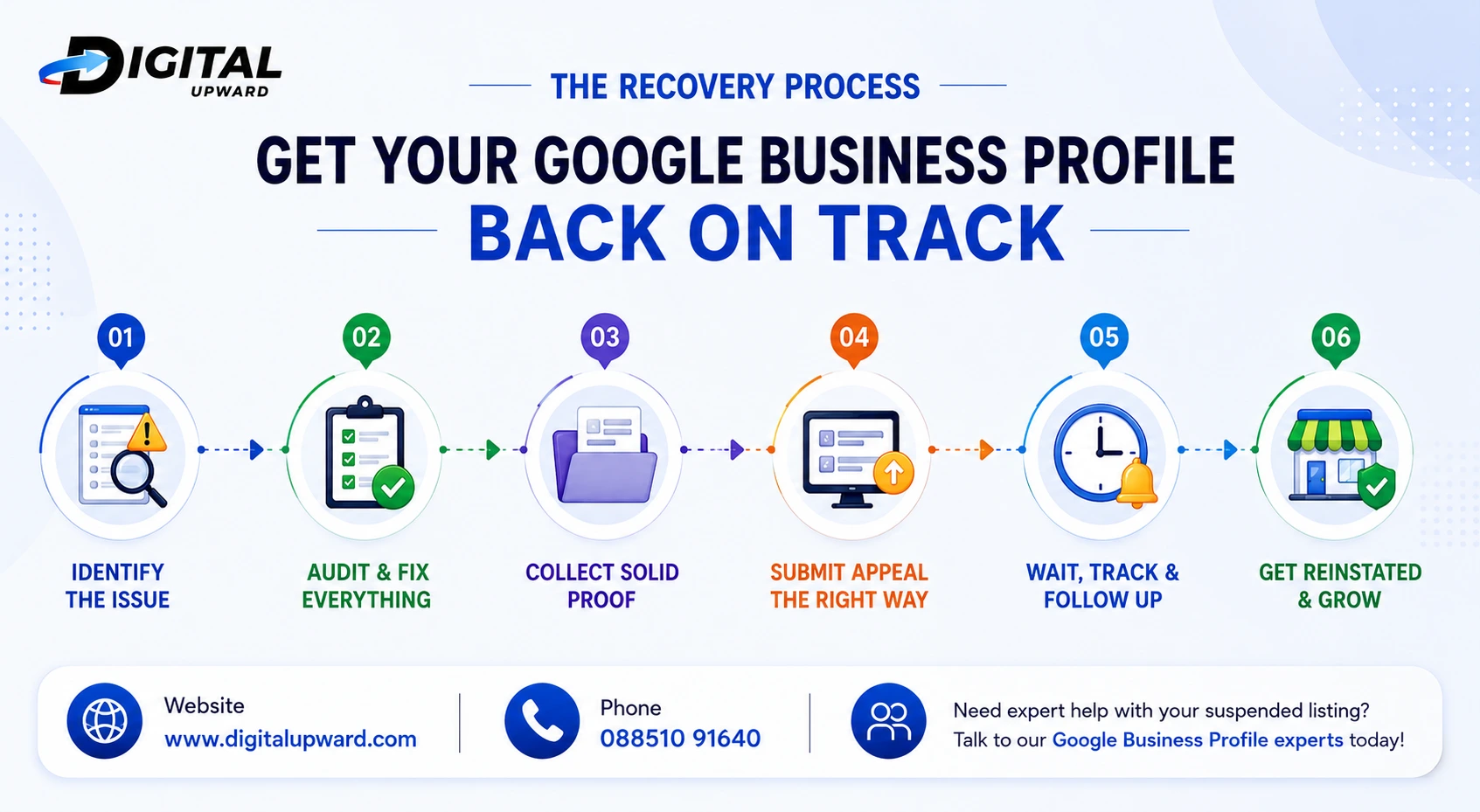
Step 4: Wait, Track, and Follow Up Calmly
Appeals generally take 3–7 workdays for Google to review, longer in more complicated cases. Monitor your email every day and go to the appeal tool for status changes. If you’re rejected, don’t rush into panic mode, take the time to read through the rejection reason, bolster your documentation, and “request additional review” rather than resend the same form without changes.
After Reinstatement: Protect Your Profile
Having your listing restored is only half the battle. Do not make any significant changes to your name, address, or category for a few weeks → let the profile settle. Be consistent across the board with your info, respond to reviews graciously, post updates often, and monitor for unauthorized “suggested edits” from potential trolls.
When It Makes Sense to Bring in Help
Recovering a suspended listing requires patience, an eye for detail, and understanding of Google guidelines: something many small business owners just don’t have the bandwidth to do whilst operating their business day-to-day. This is precisely where a team of professional local SEO services becomes valuable: they can audit your profile, prepare compliant documentation, process and run the entire appeal process on your behalf.
If you’re based in the National Capital Region, working with an established SEO company in Delhi NCR gives you the added advantage of local market knowledge — they know which types of businesses are common to your region, reasons for suspension in your area, and how to help you come back once you’re online.
Perhaps more broadly, this whole episode serves as a good reminder of why digital marketing for small business is no longer an optional nicety. For many customers, your Google presence is the first — and sometimes only, impression they have before deciding to either walk through your door or scroll right on past you. If you treat your digital presence as carefully as any physical storefront it becomes a speed bump rather than a barrier to entry.
Why Digital Upward Is the Right Team to Call
If you want to leave this entire recovery process into the hands of the specialists rather than managing it all by yourself, Digital Upward is a digital agency in Delhi NCR built for exactly this kind of situation. The team doesn’t just fix suspended listings; they manage the entirety of things — cleaning up profile details, optimizing your Google Business Profile for local maps rankings, and laying out a full-scale localized SEO strategy, along with a holistic digital marketing plan to keep your visibility growing after you are reinstated. Having worked with small businesses across Delhi, Noida and Gurgaon, they already know what triggers local listings to get flagged in these markets which reduces the appeals process for you faster and far less painstaking.
 What Is "Multimodal" in Google Search Console? A Simple Explanation
 Digital Marketing Agency for Education: Building a Better Student Acquisition Strategy
 ChatGPT Now Has Ads: Here's What That Means for Your Business
 Why Local Customers Need More Than a Google Ranking
 Why Website Architecture Matters More Than Visual Design