You have developed a great website, but when you check on the search results page of Google it is not there. After logging in Google Search Console, you will see the terrible “Page not found” status. That is a serious issue for many websites, holding back valuable content from potential customers.
This article will give you a brief summary of why a page is not getting indexed and suggests realistic solutions.
What does Page Not Indexed mean?
When Google says a web page is unindexed, it means that the page’s URL and its contents are missing from Google’s search database. In other words, your website may have the correct URL of this page but it can’t be accessed through search engine results. Google doesn’t know about its existence because they don’t have an index entry for it.
This is very different from poor ranking. Poorly ranked pages are indexed by Google and might appear on the far reaches of search results between pages four to ten. But a non-indexed page would not show up even if you scrolled way down into oblivion.
Non-indexed pages in the Google Search Console are grouped into different categories: each group has its own set of causes and solutions. Let’s take a look at some common indexing issues!
Cause 1: Crawled But Not Indexed
It’s definitely among the most discouraging statuses of all. The page was crawled but Google wouldn’t add it to their index. Generally this occurs when Google feels that there is not enough value and quality within your content.
Potential Measures
- Increase the depth and detail of content
- Make sure the content length is correct for the topic (usually around 500+ words)
- Incorporate images, videos and other media to enhance user experience
- Maintain latest information, refresh and update old content
- Use internal links redirecting to the page from other indexed pages
Many companies working with our SEO company in Gurgaon have noticed that properly updating the old content of the website can significantly resolve this issue within weeks. However, if your problem still persists even after trying these tactics, read our “Indexing Issue After Crawling” guide where we offer advanced troubleshooting for this particular scenario.
Cause 2: Found But Not Crawled
Although Google has found your Web address on a sitemap or link, it has not yet crawled that page. This often occurs with new sites, very low priority pages, and sites with limited crawling budgets.
Solutions:
- Submit the URL directly to Google Search Console’s URL Inspection tool
- Improve internal linking to enhance its discoverability
- Make sure your sitemap has been properly submitted without any error
- Remove all low-quality pages which are not required; this will increase your crawl budget
- Establish external backlinks to indicate the page’s importance
It is sometimes necessary to be patient with new websites. Ordinarily, Google will crawl the new page within days or weeks.
Cause 3: Orphan Pages Without Internal Links
Orphan pages have no internal links pointing to them from other pages on your site. Google struggles to find out and index these pages because crawlers usually navigate websites by following links.
Solutions:
- Add contextual links from suitable existing pages
- Include the page link in your main menu or footer.
- Add the page link on your home page or other high priority pages.
- Put the URL of this page in your XML sitemap
- Create a consistent Link Strategy (includes Internal and External Links)
A structured and systematic website SEO audit will reveal all the orphan pages on your site to get them fixed properly.
Cause 4: Blocked by Robots.txt
Your robots.txt instructs search engines what to ignore and what to index. Often pages get accidentally blocked. As a result it won’t be indexed.
Solution:
- Check your robots.txt file at www.yourwebsite.com/robots.txt
- Look for “Disallow” patterns that would block vital pages
- Remove or change any rules that block pages you want searched and indexed.
- Use Google Search Console’s robots.txt tester to test your changes
- Do not block CSS, JavaScript, or important resources
Many businesses partnering with a website designing company in Gurgaon prefer finding out these robots.txt issues during technical SEO audits, especially after website migrations.
Cause 5: Noindex Tag Present
The noindex meta tag or X-Robots-Tag tells search engines explicitly not to index the page. This may be the result of a specific action, but it is often put there by mistake.
There are a few possible solutions for this problem:
- Look in the source code for “<meta name=”robots” content=”noindex”>”.
- In the HTTP header, check for X-Robots-Tag directives.
- Remove noindex tags from pages you want indexed.
- Check your CMS settings, some platforms automatically insert noindex tags for certain page types.
There are some common technical SEO problems that can be easily fixed if you know the cause of it, but the same can give you problems for months if not watched closely.
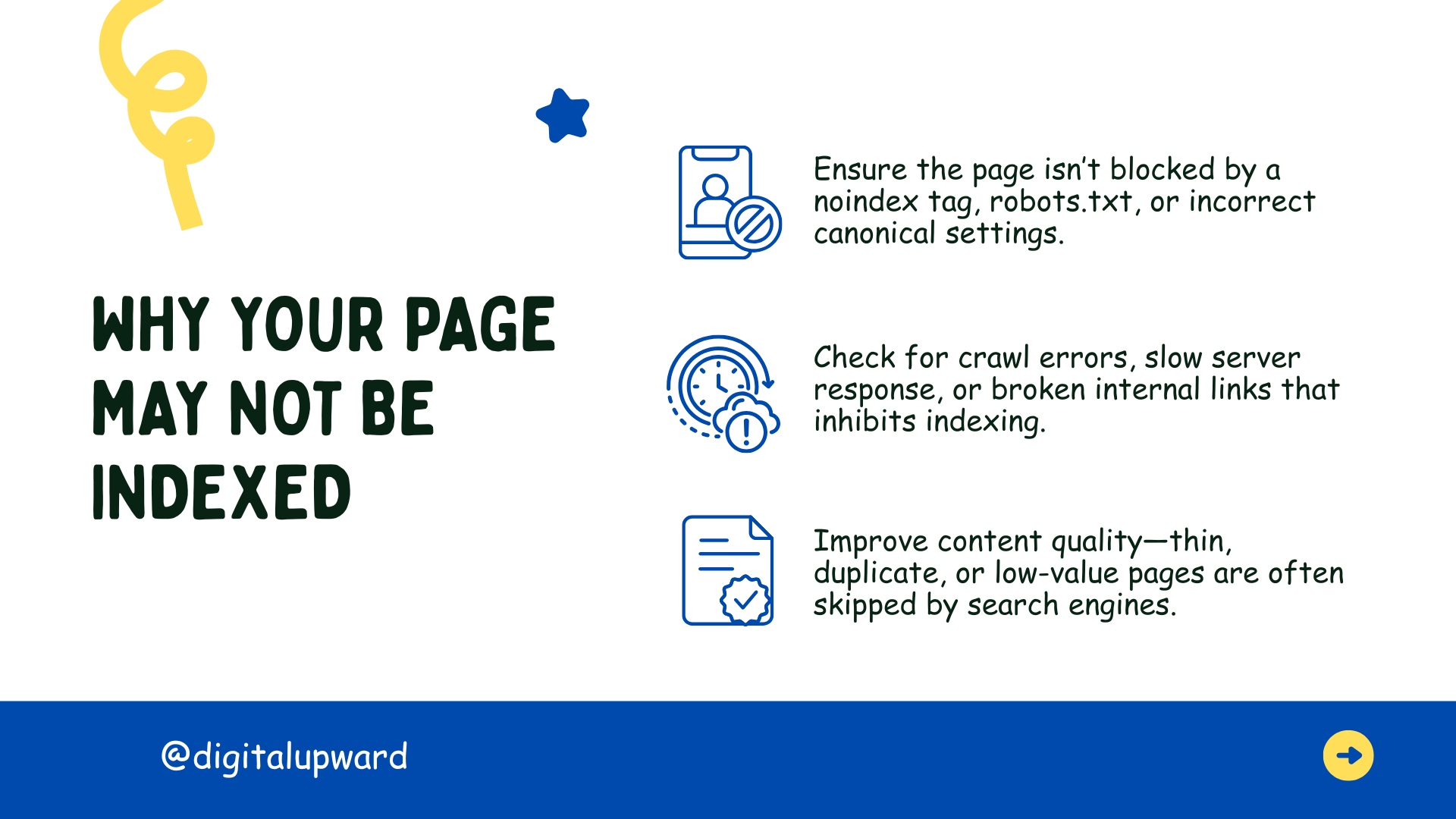
Cause 6: Duplicate Content Issues
When Google encounters a number of pages displaying exactly the same or equivalent information, it will leave out the duplicate ones and index only one version.
How to Handle This?
- Use canonical tags to identify your preferred version
- Install 301 redirections in order to sponge up repeated URLs
- Modify your text to make it different on every page
- Use Search Console’s URL parameters tool to find out filtered pages
Moreover, eCommerce websites will face difficulties due to duplicate page content across multiple product variations and filtering terms.
Cause 7: Low-quality or Thin content pages
Pages that are considered as low quality or thin don’t get indexed by google. Pages with only a few words, or promotional sentences like ‘Buy Now’ often struggle to win indexing at all.
Solution:
- Expand and then provide content that provides complete information
- Include unique perspectives, data, or insights
- Images, charts, or videos containing helpful information
- Be sure to answer all user queries through your content
Quality is more important than quantity. Pages which are extremely short rarely provide sufficient value to get indexed.
Cause 8: Server Errors, Redirects, and Technical Issues
Server errors (500, 503), multiple redirect chains, etc. prevent proper indexing. Slow server performance and accessibility problems also hinders Google’s indexing.
Solutions:
- Monitor server uptime, site performance and optimize page load speed.
- Point URLs directly to their final destinations by eliminating chain redirects.
- Immediately fix looped redirects.
- Check your hosting provider for any limitations and ensure proper handling of googlebot traffic.
Upgrading hosting and fixing redirection issues are the go-to solution to get your website indexed correctly by search engines.
Systematic Approach to Troubleshooting
When dealing with non-indexed pages, you can follow the standard process below:
- Check Google Search Console to find the exact reason
- Be sure that the page is not blocked by robots.txt and the “noindex” tag
- Internal links should be straightened out
- Make sure your content must meet Google’s quality standards
- After debugging send your URL for indexing
Don’t expect immediate results. The process can take days to weeks, depending on your site authority and Google’s crawl schedule.
Prevention and Professional Assistance
Before a website is launched, issues exposed by regular SEO audits and page testing should be dealt with in order to avoid problems at the indexing end. Also, maintain a clean site structure, check Search Console on a weekly basis, and produce high quality content at all times.
Some of the critical issues should be left up to the experts. Digital Upward specializes in straightening out exactly these types of problems, where technical errors sabotage your site’s indexing, by carrying out multiple audits and implementing permanent solutions.
 Page Not Indexed: Common Causes and Solutions
 How to Fix Indexing Issues in Google Search Console
 Keyword Research Hacks: Find Keywords Your Competitors Missed
 7 Questions to Ask Before Choosing a Website Builder
 The Ultimate eCommerce Platform Guide for Indian Businesses