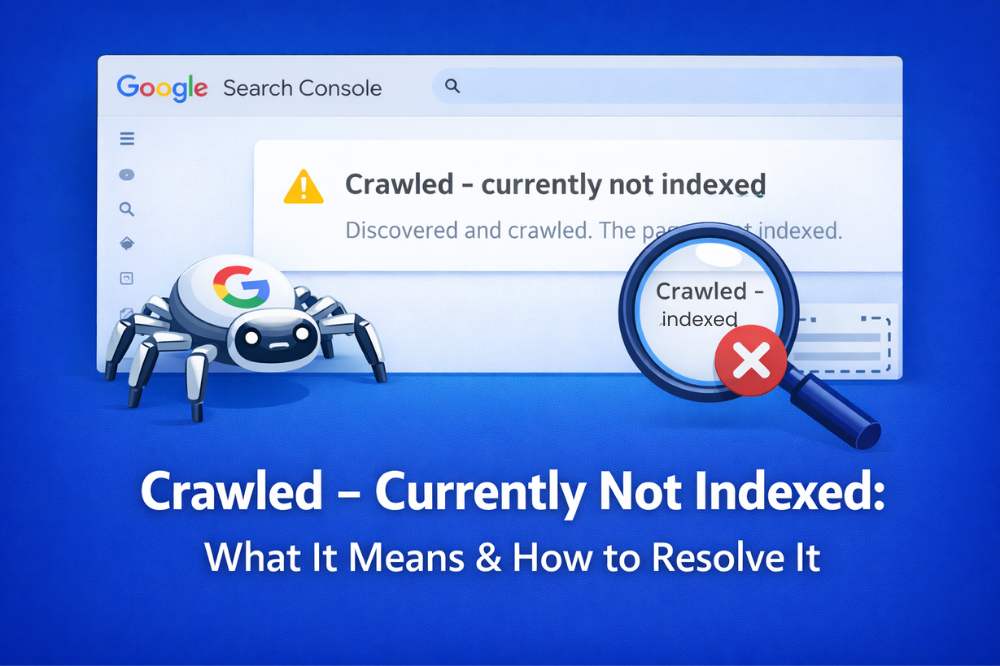
If you work with Google Search Console, you’re going to see as status “Crawled – Currently Not Indexed.” This message can be confusing for many website owner, because page gets crawled by Google but still does not show up in search results.
It is an important thing to know as it factors into visibility that your website receives which can lead to organic traffic from that. Lets look at what this status means, why it happens and what you can do to resolve the issue and enhance your site indexing.
What Does “Crawled – Currently Not Indexed” Mean
The “Crawled – Currently Not Indexed” status indicates that Googlebot has crawled your page and processed its content, but decided not to include it in its index at present. The page will not be indexed, hence it will not show up in google search
- Google found your page
- The content was then crawled, checked by Google
- However, Google excluded it from the search results
That does not necessarily mean that your website is somehow mistaken. At other times, Google just feels that the page does not provide as much value as pages on the rest of the internet.
But, if this status is common for important pages on your website, it can suggest google indexing problem that requires to be fixed.
Crawled – Currently Not Indexed: Common Causes
There are many reasons why Google may reach your page by crawling it but not index it.
1. Thin Content Problem
The thin content issue is one of the most common reasons. If page offers little useful information, or does not fully answer the query of the user, then Google might skip indexing it.
If the competition on Google is pages of guides and your page has a few paragraphs, that content might be considered less valuable.
How to fix it:
- Provides more detail and useful information
- Share additional information, FAQ, and examples
- Include images, statistics, or expert insights
2. Internal Linking Issue
A common one is an internal linking issue. If there are very few links leading to page A, Google considers this page much less important.
Pages that do not have any internal links often referred to as orphan pages and it is very hard for search engines to evaluate them accurately.
How to fix it:
- Interlink this page from other related blog posts
- Include the page in your navigation or category pages
- Do not leave links blank or use actionable link text
Strong internal anchoring shows how important your pages are for the search engines.
3. Duplicate or Similar Content
When the content on page one is similar enough to that of another page on your site Google may only end up indexing one. Search engines try to avoid displaying more than one page with virtually the same content.
How to fix it:
- Rephrase/ParaPhrase by changing the order of words without losing their meaning
- Use canonical tags when necessary
- Merge duplicate pages into one single authoritative page
4. Search Intent Mismatch
Sometimes the information does not reflect what users are searching for in reality. For instance, if people are searching for a complete guide but your page only provides a short overview, Google might not index it.
How to fix it:
- Know what kind of content Google wants
- Discover what kind of content Google actually wants
- Update your page accordingly
5. Technical SEO or Crawl Issues
Technical issues can also cause indexing problems. These may include:
- Incorrect canonical tags
- Sitemap problems
- Server errors
- Robots.txt restrictions
These problems can prevent Google from properly evaluating your page.
How to fix it:
- Page Content Errors and URL-Level Errors with Google Search Console
- Check the URL inspection tool
- Control crawl errors and fix technical SEO issues
A reliable website development company in noida can help structure your website properly so search engines can easily crawl and index your pages.
How to Fix Currently Not Indexed (Crawled)
So here are some concrete steps you can take to help solve it.
1. Improve Content Quality
Provide real value: Be sure to provide true value in your content. Mix your content with key takeaways, case studies, statistics or figures and actionable ideas
2. Strengthen Internal Links
Internal links: The affected pages need concerned internal links so you can interlink high authority pages of your website to the affected pages.
3. Update or Expand the Page
Identify the outdated or incomplete content you know exists, and round out with new, full content.
4. Submit the Page for Re-indexing
Onboarding new data – utilize the URL Inspection Tool and apply to be reindexed via Google Search Console
5. Check Your Sitemap
However, it’s important to give Google a way of discovering it.
6. Remove Low-Quality Pages
its just have no value then delete the page or put noindex.
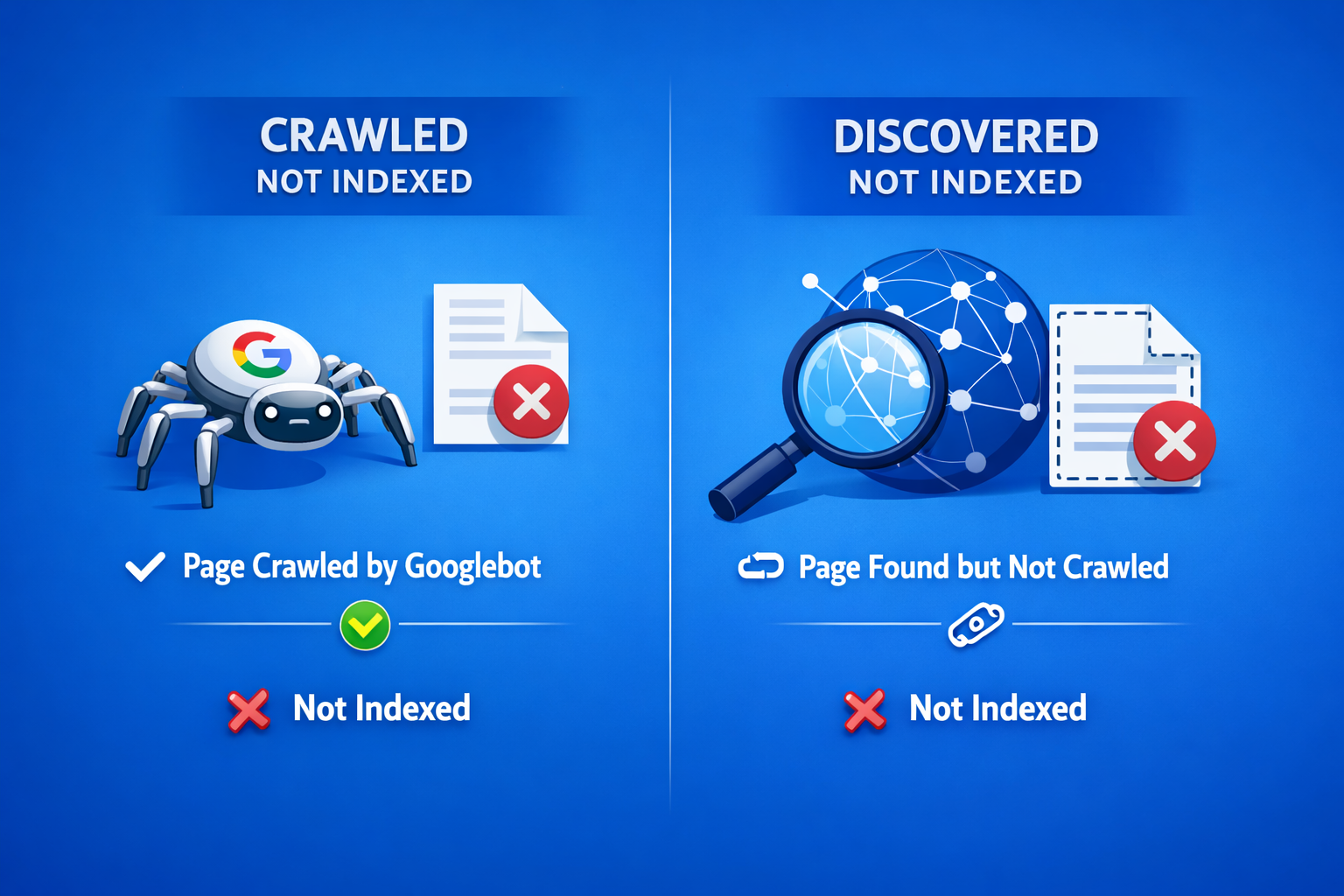
Difference Between Crawled and Discovered Not Indexed
“Crawled — Currently Not Indexed” vs. “Discovered — Currently Not Indexed”
The difference is simple:
Discovered – Not Crawled yet: Google identified the page however it is not indexed yet.
Crawled – Currently Not Indexed: The page was already crawled by Google but it chose not to index the page.
Knowing this difference helps you find the solution for each problem.
When You Should Not Worry
Not all the pages on your website need to be indexed. Certain pages may be purposely excluded, including:
- RSS feed pages
- Pagination pages
- Filter URLs
- Private or login pages
If these pages are in the report, they are usually normal and do not take action.
Final Thoughts
The status “Crawled – Currently Not Indexed” just means Google has crawled your page and decided that it is not ready for the search index yet. This is usually due to content quality issues, internal linking problems or technical SEO factors.
So by optimizing your content, fixing internal linking issues and overcoming technical problems, you can boost the odds that googlebot will index your pages.”
If you are also facing persistent google indexing issues, an experienced seo company in noida like Digital Upward can easily find these problems and debug them. Also, a lot of businesses partner with professional website development company in noida who structure the websites and do technical SEO for better compatibility with search engines.
While optimizing websites for good search rankings and long-term results, teams at Digital Upward always consider these essential SEO elements.
The Discovered Pages Not Indexed indexing problem does also occur, which we highlight in our next guide if you want to know why Google finds pages but never actually crawls them and how you can fix it.
 Crawled – Currently Not Indexed: What It Means & How to Resolve It
 Page Not Indexed: Common Causes and Solutions
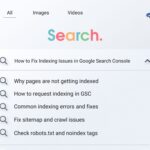 How to Fix Indexing Issues in Google Search Console
 Keyword Research Hacks: Find Keywords Your Competitors Missed
 7 Questions to Ask Before Choosing a Website Builder